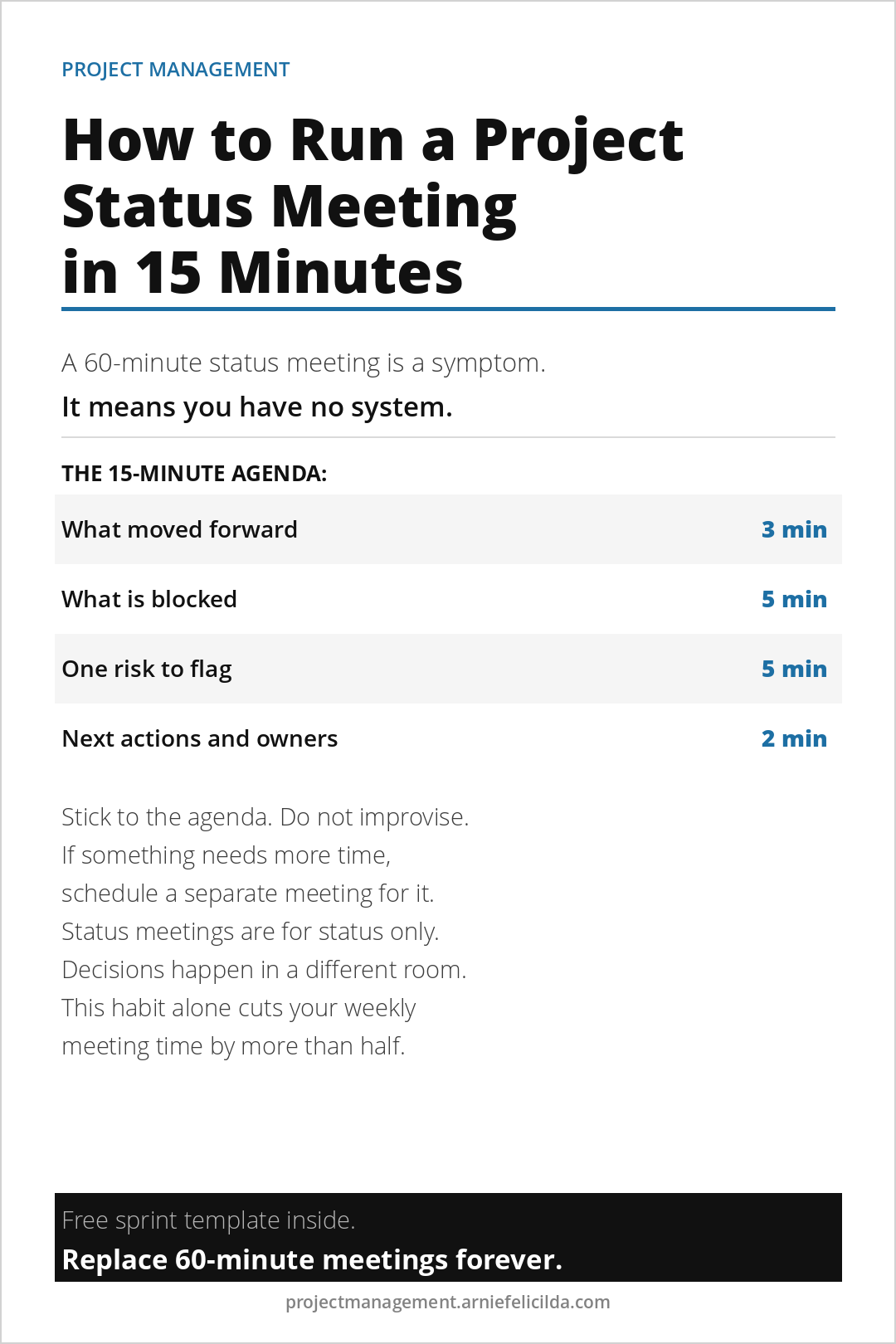
A project status meeting that runs 60 minutes is not a well-run meeting. It is evidence that the project does not have a system. When everyone in the room has the same information before the meeting starts, and when the agenda is fixed and followed, a status meeting takes 15 minutes. Here is exactly how to do it.
Why Status Meetings Run Long
Status meetings run long for three reasons. The first is that people are sharing information for the first time in the meeting that should have been shared before it. The second is that the meeting has no fixed agenda and discussions expand to fill the available time. The third is that decisions are being made in the meeting that should have been escalated and resolved separately.
The 15-minute status meeting solves all three of these problems with one rule: the meeting agenda is fixed, the pre-read is sent the day before, and any topic that cannot be addressed in its allotted time gets a separate meeting. Use the free 15-Minute Daily Sprint tool every morning so you always have a current status ready to share before any meeting starts.
The Pre-Read: Send It the Day Before
Every status meeting needs a pre-read sent the afternoon before. The pre-read is a single paragraph covering the three health numbers from your weekly progress dashboard: milestone completion rate, open risk count, and budget variance. Anyone who reads the pre-read before the meeting already knows the project status before they sit down. The meeting becomes a discussion about what to do, not a summary of what happened.
The 15-Minute Agenda
The agenda has four items. Each has a fixed time allocation. The project manager enforces the time.
What moved forward this week (3 minutes). One sentence per milestone completed or advanced. No elaboration unless a stakeholder asks a specific question. The pre-read covered this in detail. The meeting is the summary.
What is currently blocked (5 minutes). List every open blocker. For each one, name who owns the resolution and by when. Blockers that need a decision from someone in the room get resolved in this five minutes. Blockers that need input from outside the room get an owner and a deadline assigned here.
One risk to flag this week (5 minutes). Raise the one risk that has changed most significantly since last week. Present it with its probability and impact score. If the risk needs a decision, ask for it now. Read more about how to score and manage risks in What Is Project Risk and How to Manage It.
Next actions and owners (2 minutes). Confirm the three most important actions for the coming week. Name the owner of each. Confirm the date of the next status meeting. End the call.
The one rule that makes this work: Nothing gets discussed in a status meeting that was not in the pre-read or on the fixed agenda. If someone raises a new topic, note it and schedule a separate discussion. The status meeting is for status only. Decisions happen in a different meeting.
What to Do With Attendees Who Go Off Agenda
The professional response is: That is an important topic. Let us add it to the parking lot and schedule time to address it properly. For now, can we continue with the agenda? Say this every time. Without exception. Within two or three meetings, attendees learn that the status meeting has a fixed format and that going off agenda means the topic gets deferred rather than discussed.
Combine the 15-minute status meeting with the daily sprint system and you eliminate the need for most ad-hoc project check-ins entirely. When people receive a proactive daily update and a structured weekly status update, they stop asking for information. They already have it.
If you want the complete meeting system plus scripts for difficult stakeholder conversations, The Accidental Project Manager covers everything in one place. It is built for people running projects without formal training.
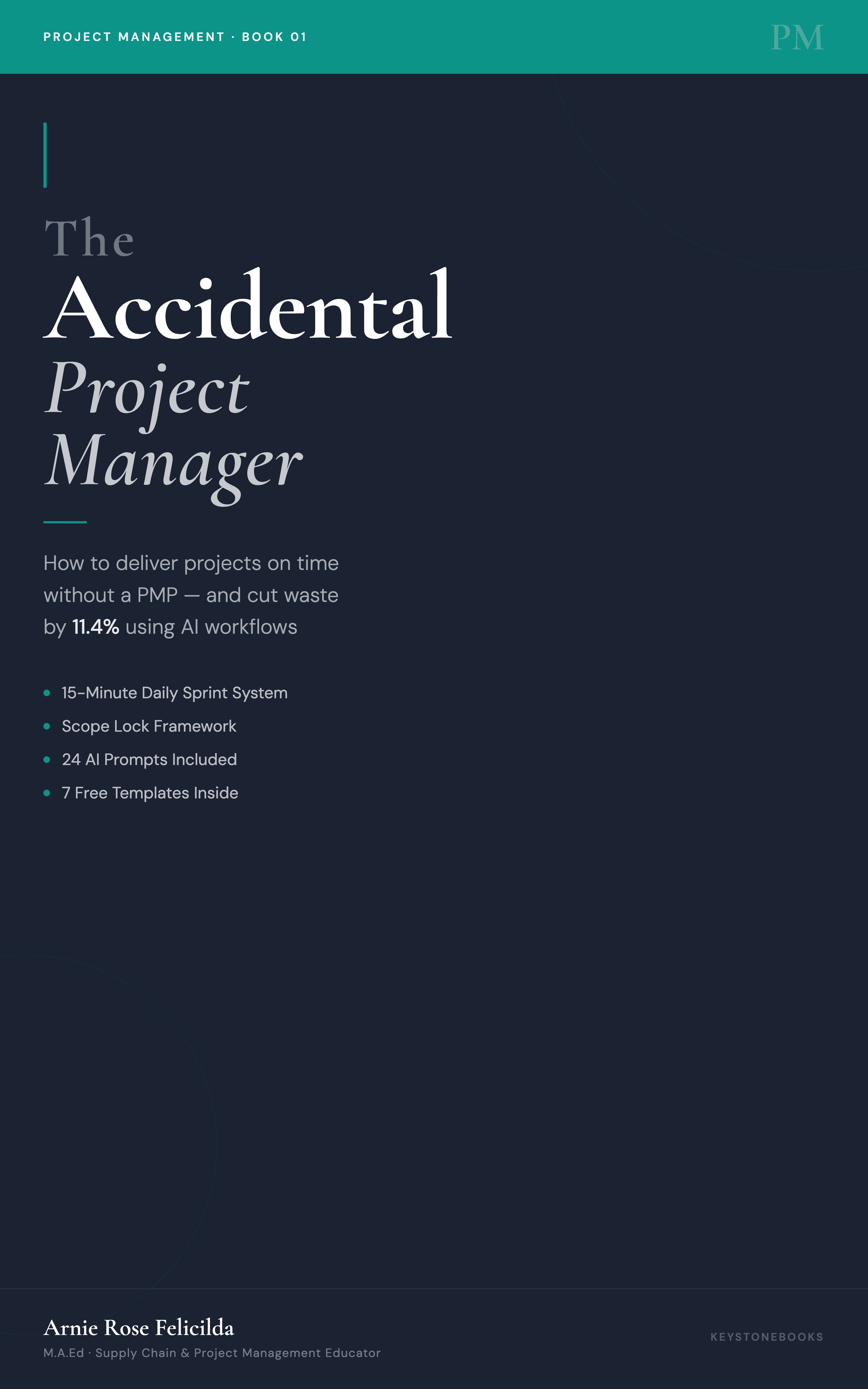
Book 01. Available Now
The Accidental Project Manager
How to deliver projects on time without a PMP and cut waste by 11.4% using AI workflows. 15-Minute Daily Sprint System, Scope Lock Framework, and 24 AI Prompts included.
Get the BookMore Project Management Reads
- How to Stop Scope Creep Before It Derails Your Project
- How to Manage Projects Without a PMP
- How Operations Managers Can Actually Use AI on Projects
- The Difference Between a Busy Project and a Healthy One
- How to Recover a Project That Is Off the Rails
Free Project Management Tools
Get free tools built for people who run projects without formal training.
Charter template, sprint system, dashboard, recovery checklist, and AI prompt library. All free. Delivered instantly.