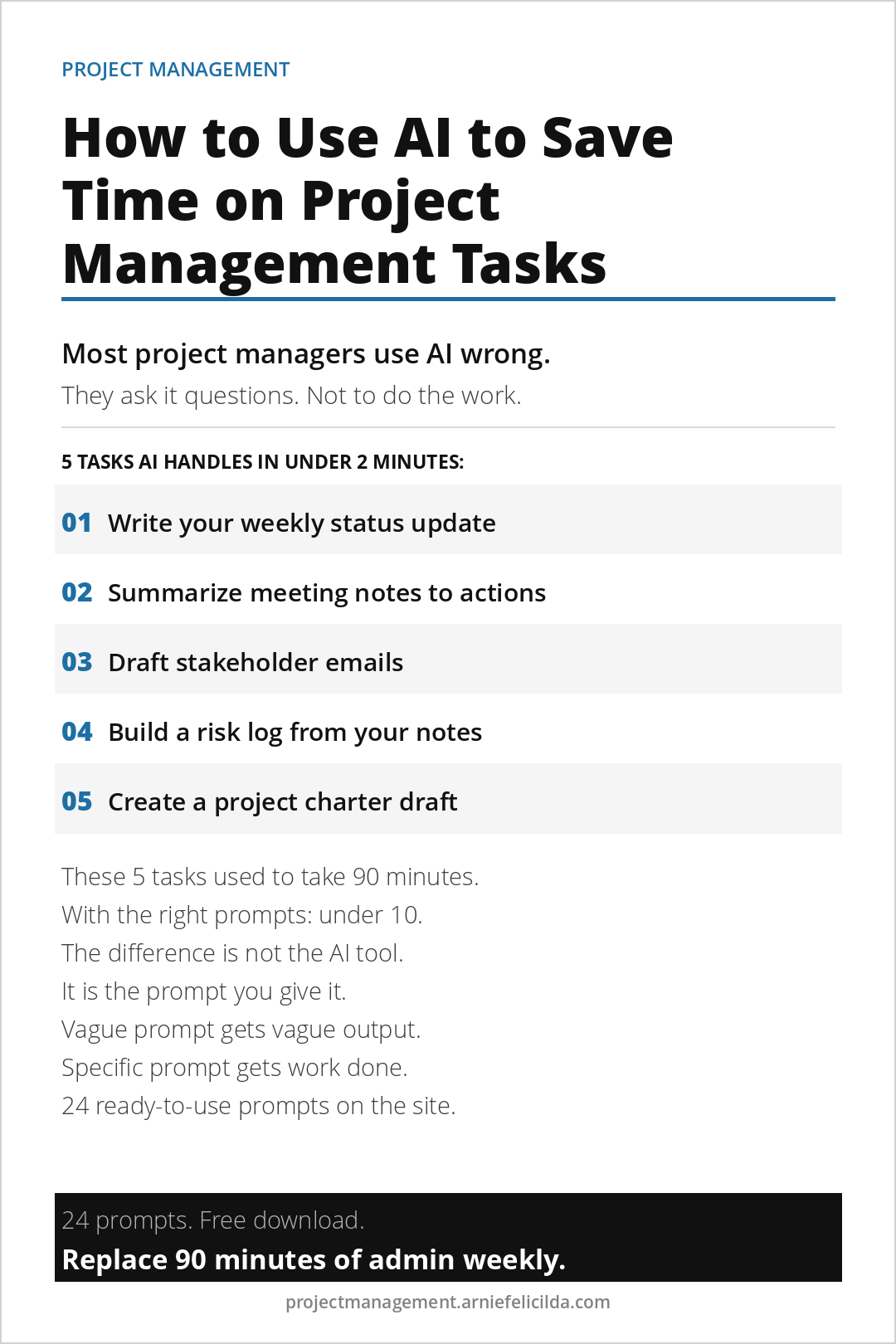
Most project managers who try AI tools stop using them within two weeks. Not because the tools are not useful, but because they used them the wrong way. They asked AI to answer questions. What AI is actually useful for is doing work. Writing the status update. Summarizing the meeting notes. Drafting the stakeholder email. Building the first version of the risk log. These tasks take 20 to 30 minutes each and happen multiple times per week. With the right prompts, they each take under two minutes.
The five tasks below are where AI saves the most time for project managers who manage projects without formal training or a dedicated project management office.
Task 1. Write Your Weekly Status Update
The weekly status update takes most project managers 15 to 20 minutes to write because they are organizing scattered information from multiple sources into a coherent paragraph. AI does this in under two minutes when you give it the right inputs. Use the numbers from your free Weekly Progress Dashboard as the inputs. Paste them into the prompt and let AI write the paragraph.
Prompt to use: Write a one-paragraph project status update for my sponsor. The project is the project name. This week, list what was completed. Current blockers, list any blockers. Next week priorities, list top 3. Budget status, on track or over. Risk to flag, describe the highest risk. Keep it under 150 words. Factual and direct.
Task 2. Summarize Meeting Notes Into Action Items
After every meeting, most project managers either write up notes manually or let the meeting notes sit unprocessed. AI converts raw notes into a clean action item list in under 60 seconds. Paste your raw notes into the prompt and AI extracts every action item with owner and deadline in a numbered list.
Prompt to use: Here are my raw notes from a project meeting: paste notes. Extract all action items. For each action item, list what needs to be done, who owns it, and the deadline mentioned. Format as a numbered list. If no deadline was mentioned, write TBD.
Task 3. Draft Stakeholder Emails
Writing emails to difficult stakeholders takes time because the tone needs to be right. AI drafts the email in the right tone when you give it the context. Before sending, use the Stakeholder Communication Planner to check the communication style you set for that stakeholder and make sure the email matches it.
Prompt to use: Write a professional email to the stakeholder name and role. The purpose is to inform them of the situation or request the decision needed. Key facts: list the relevant facts. Tone: direct and solution-focused. Keep it under 150 words. No jargon.
Task 4. Build a Risk Log From Your Notes
After a project kickoff or planning session, you likely have a list of concerns scattered across notes or in your head. AI converts that list into a structured risk log in under two minutes. Use the output alongside the Project Budget Variance Tracker to monitor the financial risks specifically.
Prompt to use: Here is a list of concerns I have about my project: list your concerns. Convert each concern into a risk log entry with risk description, probability score from 1 to 5, impact score from 1 to 5, total risk score, and a brief mitigation suggestion. Format as a table.
Task 5. Create a Project Charter Draft
The most time-consuming part of writing a project charter is translating a vague brief into specific, agreed language. AI creates the first draft in under two minutes. Then use the free Project Charter Workbook to refine it with your team, which is faster than creating from a blank page.
Prompt to use: Write a one-page project charter draft for the following project: describe the project in a few sentences. Include five sections: project goal in one sentence, what is in scope, what is explicitly out of scope, key milestones with placeholder dates, and definition of success. Keep the language simple and specific.
The rule that makes AI useful: Specific prompts produce usable output. Vague prompts produce generic output that needs to be rewritten anyway. Give AI the facts, the format, and the tone. It handles the writing. You handle the judgment calls that require human context.
The free AI Prompt Library on this site has 24 ready-to-use prompts covering these five tasks plus nineteen more, including change request drafts, risk escalation emails, team update templates, and meeting agenda builders. Subscribe to access it immediately.
If you want the complete AI workflow system including how to chain prompts together to replace 90 minutes of admin per week, The Accidental Project Manager covers all of it. It is built for people running projects without formal training who need leverage, not complexity.
Book 01. Available Now
The Accidental Project Manager
How to deliver projects on time without a PMP and cut waste by 11.4% using AI workflows. 15-Minute Daily Sprint System, Scope Lock Framework, and 24 AI Prompts included.
Get the BookMore Project Management Reads
- How to Stop Scope Creep Before It Derails Your Project
- How to Manage Projects Without a PMP
- How Operations Managers Can Actually Use AI on Projects
- The Difference Between a Busy Project and a Healthy One
- How to Recover a Project That Is Off the Rails
Free Project Management Tools
Get free tools built for people who run projects without formal training.
Charter template, sprint system, dashboard, recovery checklist, and AI prompt library. All free. Delivered instantly.