Gantt charts are often created because they look authoritative in a presentation, not because the project needs one. The result is a chart that is accurate on the day it is made and increasingly fictional for every day afterward.
What a Gantt Chart Is Good For
A Gantt chart is genuinely useful for projects with many interdependent tasks - where task B cannot start until task A finishes, task C depends on both B and D, and so on. The visual format makes those dependencies visible in a way that a list cannot.
If your project does not have significant task dependencies, a Gantt chart is probably not the right tool. A simple task list with dates and owners will serve you better with far less overhead to maintain.
When a Gantt Chart Helps and When It Does Not
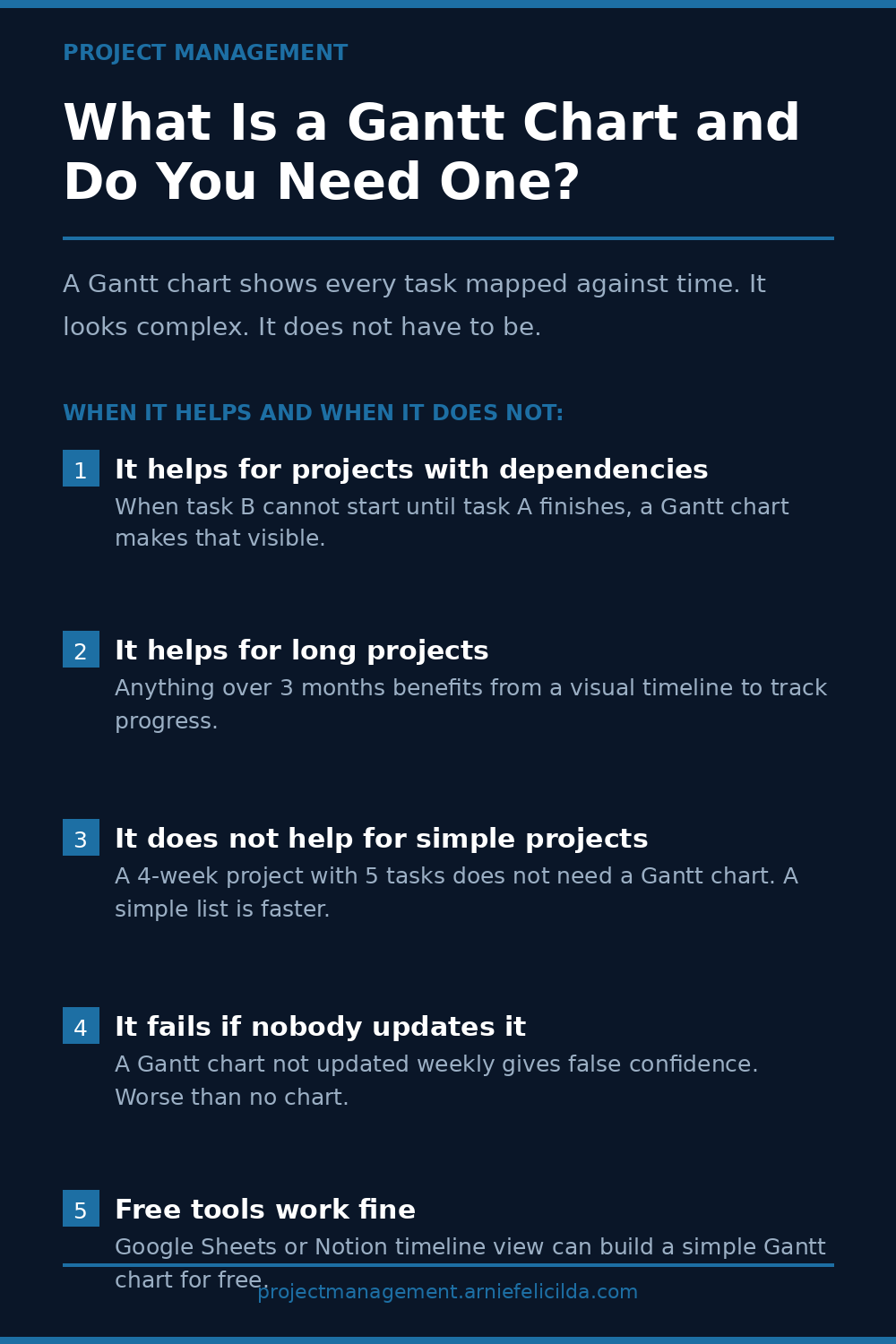
It Helps When Tasks Have Dependencies
When the sequence of work matters and task B genuinely cannot start until task A is complete, a Gantt chart makes that constraint visible. It helps the team understand why the order matters and helps the project manager identify which delays will cascade into other delays.
It Helps for Projects Longer Than Three Months
For a project that runs six months or more, a visual timeline helps everyone maintain a sense of where the project is relative to where it should be. A list of tasks does not convey that spatial sense of progress as naturally as a timeline does.
It Does Not Help for Simple Projects
A four-week project with eight tasks and no significant dependencies does not need a Gantt chart. A task list with dates and owners is faster to create, faster to update, and equally effective for communicating status.
It Fails When Nobody Updates It
A Gantt chart that reflects the original plan but not the current reality is worse than no chart. It creates a false sense that the project is on track when it may not be. A Gantt chart requires weekly updates to be useful. If weekly updates will not happen, do not create the chart.
Free Tools Are Sufficient for Most Projects
Google Sheets with conditional formatting, Notion timeline view, or Trello timeline view can produce a functional Gantt chart for free. Microsoft Project and Smartsheet add features that are useful for highly complex projects but unnecessary overhead for most.
The Alternative When a Gantt Chart Is Not Right
A milestone list with dates and owners captures the most important information from a Gantt chart - the key points where something significant should be complete - without the overhead of maintaining a full task timeline. For most projects, that is enough.
For more on this topic, read What Is a Project Milestone and How to Set One. You may also find What Is Critical Path in a Project? useful as a next step.
Available Now
The Accidental Project Manager
For the person who was handed a project and told to figure it out. The 15-minute daily system, scope lock framework, and AI prompts that get any project back on track. No certification required.
Get the Book on Gumroad